Revision Comparison
When a translated DOCX comes back with revisions, compare the versions, keep the approved translation for unchanged text, and work only on what moved.
See it in the workspace
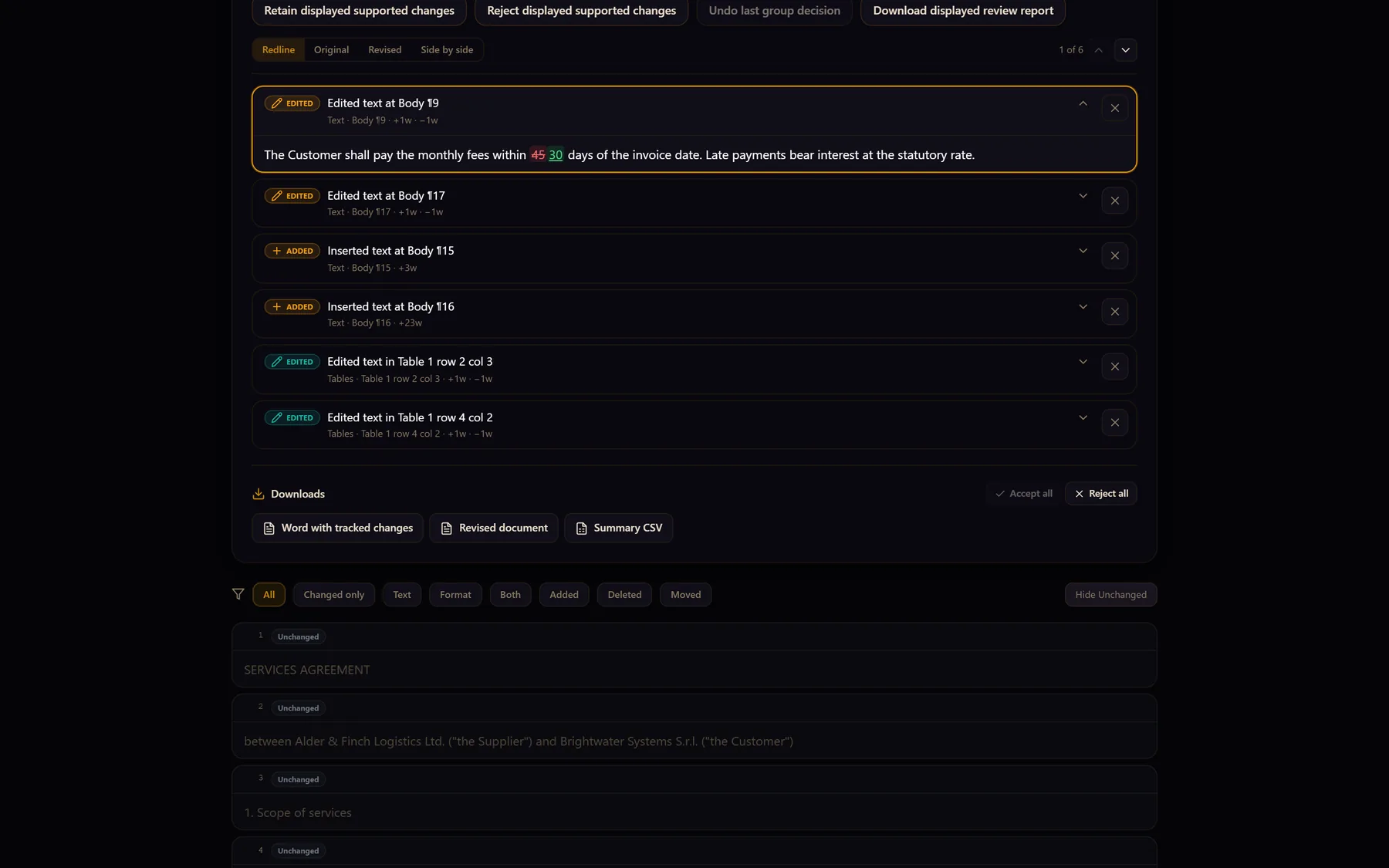
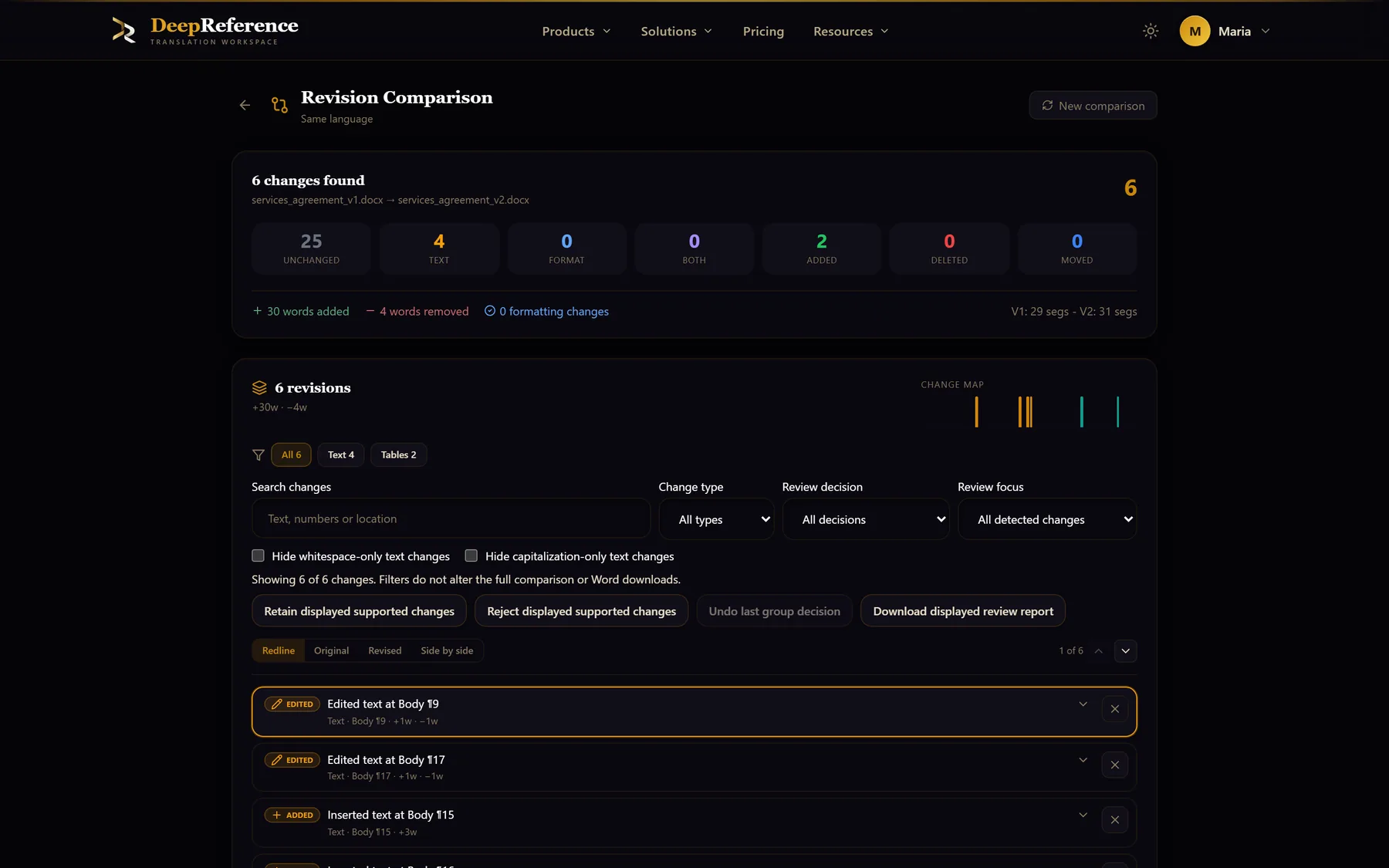
Screenshots from DeepReference. The sample contract is between two fictional companies.
Capabilities
What you can do here
Quality controls
The controls shown on this page are part of the working product, with plan access noted in the documentation.
Two ways to compare
Compare two DOCX files directly, or open a completed translation and upload the newer source version against it.
Changes separated by type
See unchanged, text-changed, format-changed, combined, added, deleted, and moved content instead of reading both files line by line.
Word-level detail
Modified segments show the old and new source with additions and removals called out, plus a summary of changed words.
Approved work carries forward
Unchanged segments keep their existing translations rather than receiving fresh machine output.
Translate only confirmed changes
Translate or retranslate added and modified segments one at a time, with the surrounding revision visible for judgment.
Apply the revision to the document
Merge the retained and newly translated segments into the revised DOCX, rebuild it, and continue the normal review and export workflow.
Where it helps
Revision Comparison
- Amended contracts and policies
- New editions of manuals and guides
- Regulatory and compliance updates
- Client edits after translation
- Recurring reports and release notes
- Any DOCX where most of the reviewed text did not change
A practical workflow
How the work moves
Choose the baseline
Start with a translated document in the workspace or provide the original and revised DOCX files for a direct comparison.
Upload the revision
Add the newer DOCX. The comparison aligns its segments with the earlier version and categorizes every difference.
Review and translate the changes
Filter the result, inspect word-level differences, and translate only the new or modified segments you confirm.
Apply and rebuild
Carry unchanged translations forward, merge the new decisions, and build the translated revision as a new working document.
Put it to work
Open the dashboard to start a translation, or read the detailed guide first.